
Hotfix, Patch, Season, Expansion: Why Your Diablo 4 Build Keeps Breaking
Diablo 4 changes more often than almost any game you'll play. Understanding its four kinds of updates explains most player frustration, and tells you which changes you can actually do something about.
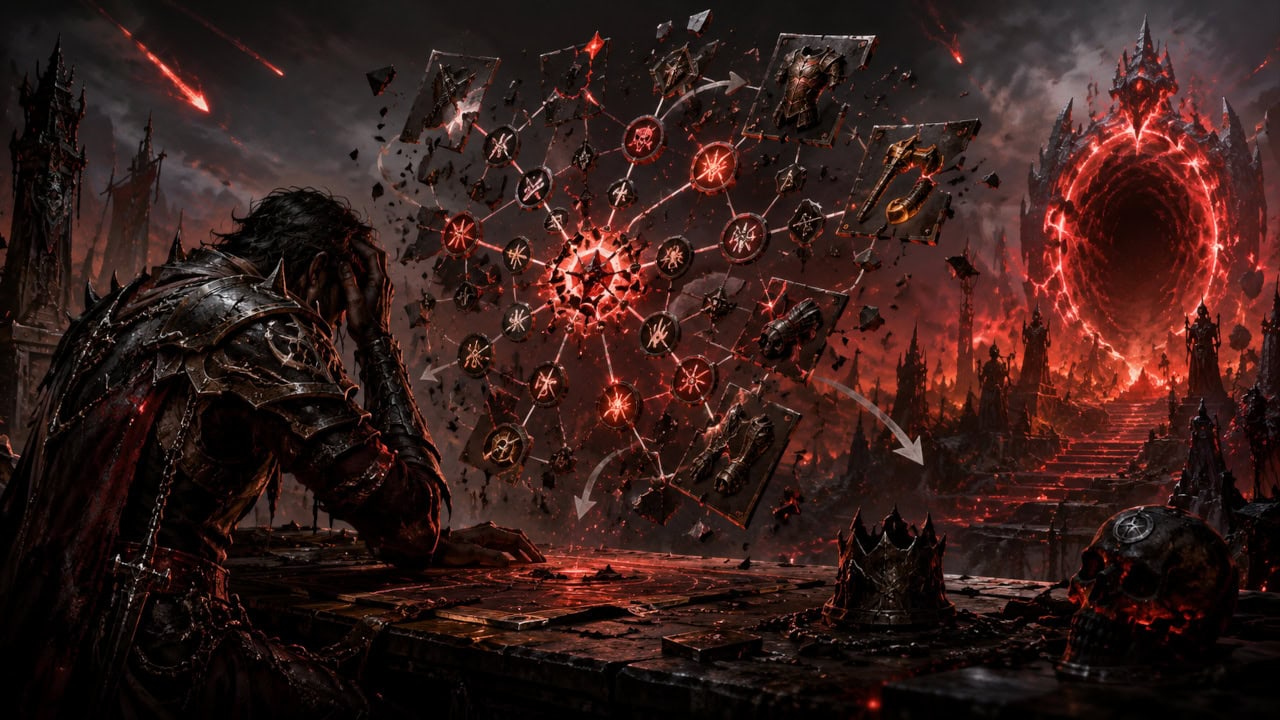
Log into Diablo 4 after a month away and something will be different: your build weaker or accidentally stronger, a mechanic gone, a currency renamed. This isn’t your imagination and it isn’t mismanagement. It’s the design. Diablo 4 is a live game with one of the most aggressive update cadences in the genre, and knowing which kind of update you’re looking at answers most “what happened to my character?” questions.
The four kinds of Diablo 4 update
Hotfixes are server-side changes Blizzard applies without a client download, often several in a week. Drop rates, damage numbers on a rampaging build, an exploit closed. If the game behaved differently tonight than this morning with no download in between, it was a hotfix. There is nothing to troubleshoot on your end; nothing on your PC changed.
Patches are client downloads carrying bug fixes and balance changes. These are the updates with proper patch notes, and the ones worth actually reading. Class balance swings arrive here, and a build that dominated last patch can land in the mid-tier after one.
Seasons arrive roughly quarterly and are the big reset: a new seasonal mechanic, a fresh seasonal character ladder, and usually systemic changes that also hit the permanent (Eternal) realm. The seasonal churn is the point of the game’s design, but it’s also why a build guide has a shelf life measured in months. Never follow a Diablo 4 guide without checking which season it was written for.
Expansions rewrite bigger systems wholesale and typically arrive alongside the largest patches of the year. Vessel of Hatred (October 2024) is the model.
What this means practically
- A nerfed build is not a bug. If your damage dropped after a download, check the patch notes for your class before checking your gear.
- Seasonal characters expiring to Eternal is not a lost character. Every season’s characters transfer to the Eternal realm when the season ends.
- Most “the patch broke my game” reports are one of three things: a client update that didn’t finish cleanly, corrupted files after the download, or launch-day server congestion that resolves itself within hours.
That third category is the only one you can act on. The Battle.net client’s Scan and Repair fixes the majority of genuine post-patch client problems, and update-day connection errors are usually them, not you. Wait an hour before dismantling your setup. Our Diablo 4 troubleshooting guide walks the client-side checklist in order, from repair to clean reinstall.
Where to read the notes
Blizzard publishes full patch notes on the official Diablo 4 news feed, and the in-game season journal summarises seasonal mechanics. For balance-heavy patches, the class-specific sections are long but worth skimming for your class alone. Five minutes there saves an evening of confusion.
This article is compiled from official Blizzard patch notes and broad community reporting. Last reviewed July 2026.
Related posts

Cyberpunk 2077 Patch History: The Updates That Fixed the Game
See which Cyberpunk updates repaired the launch problems, rebuilt the RPG systems, changed mod compatibility, and still matter to returning players.

GTA V Enhanced vs Legacy: Which Version Should You Play?
Compare GTA V Enhanced vs Legacy on PC, including graphics, performance, requirements, GTA Online, mods, saves, and which version to play.
Fallout 4's Next-Gen Update, Two Years On: What It Fixed, What It Broke
The April 2024 next-gen update split the Fallout 4 community in two. Here's what it actually changed, why it broke the modding scene, and how to decide whether to update or roll...