
Fallout 4's Next-Gen Update, Two Years On: What It Fixed, What It Broke
The April 2024 next-gen update split the Fallout 4 community in two. Here's what it actually changed, why it broke the modding scene, and how to decide whether to update or roll back.
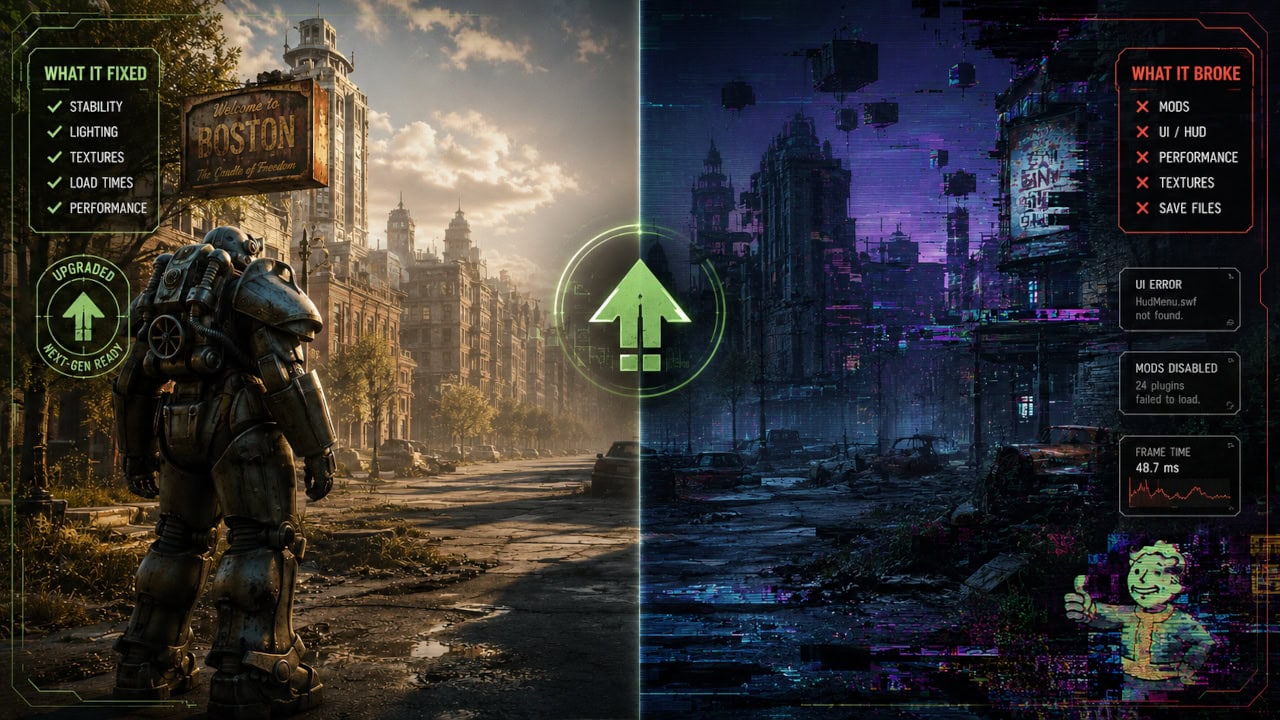
Bethesda released Fallout 4’s “next-gen update” on April 25, 2024, timed (not coincidentally) with the surge of new players arriving from the Fallout TV series. Two years later it remains the single most consequential patch in the game’s history, and the question “should I update?” still doesn’t have a one-word answer.
What the update actually delivered
For an unmodded game, the update was a genuine improvement:
- Native ultrawide and widescreen support, ending a decade of ini-file workarounds
- Quality and Performance graphics modes, and on PC a set of bug fixes to long-standing quest and stability issues
- Free Creation Club content, including the Enclave-themed quest and item drops
- A follow-up patch in May 2024 that cleaned up several problems the April release introduced, including ultrawide interface issues
If you play Fallout 4 unmodded, the updated game is simply the better game, and there’s no reason to avoid it.
Why the modding community groaned
Fallout 4’s mod scene is one of the largest in PC gaming, and the update landed on it like a dropped bookshelf:
- F4SE broke. The Fallout 4 Script Extender, the foundation under a huge share of serious mods, is version-locked to the game executable. Every update to the game requires a matching F4SE update, and every F4SE-dependent mod may need its own update on top.
- The archive format changed. The update introduced a new version of Bethesda’s BA2 archive format. Older tools, and any mods packaged in the new format on the old game (or vice versa), simply failed to load. That’s a deeply confusing failure mode if you don’t know the cause.
- Load orders built over years stopped working overnight.
The community response was characteristically resourceful: downgrade tools that restore the pre-update executable, and compatibility mods that let the old game read new-format archives. The practical upshot is that both “stay updated” and “roll back” became supported, well-trodden paths.
So: update or roll back?
Our honest read of where things stand in 2026:
- Unmodded players: update. No caveats.
- Lightly modded players: update, then reinstall current versions of your mods. The major mods long ago caught up with the new executable.
- Heavily modded players, or anyone using a curated mod list: follow whatever game version your mod list specifies. Many large, carefully-balanced lists still pin the pre-update executable, and that’s a legitimate choice, not a hack.
Whichever way you go, do it deliberately: turn off automatic updates for the game in Steam, back up your save folder, and keep a copy of your working installation before changing anything. Our Fallout 4 fix guide walks through the details, including the classic crashes (weapon debris on RTX cards chief among them) that predate the next-gen update entirely and still catch new players today.
This article is compiled from official patch notes and broad community reporting. Last reviewed July 2026.
Related posts
Hotfix, Patch, Season, Expansion: Why Your Diablo 4 Build Keeps Breaking
Diablo 4 changes more often than almost any game you'll play. Understanding its four kinds of updates explains most player frustration, and tells you which changes you can actua...

Cyberpunk 2077 Patch History: The Updates That Fixed the Game
See which Cyberpunk updates repaired the launch problems, rebuilt the RPG systems, changed mod compatibility, and still matter to returning players.
GTA V Enhanced vs Legacy: Which Version Should You Play?
Compare GTA V Enhanced vs Legacy on PC, including graphics, performance, requirements, GTA Online, mods, saves, and which version to play.